The gw999 app APK, from download to first spin
Gw999 runs in a browser and as a 45 MB Android app. The APK installs straight from this page, keeps your balance and bonus progress in step with the web version, and needs Android 9.0 or newer.
On a laptop instead? Scan the QR code in the download panel further down, or open gw999.bet on your phone and tap the same button.
- 18+ · Play Responsibly
- SSL Encryption
- 24/7 Live Chat
- Android 9.0+
Browser tab or app icon: which one seats you faster
Both versions run on the same account, wallet and game list, so a deposit made on your phone shows up on the laptop. What changes is behaviour: how the lobby loads, how a live table copes with a weak signal, and how many taps it takes to reach the cashier.
Short bursts on one phone: install the app. Hopping between devices, or chasing a game on release day: stay in the browser.
| What you compare | gw999 app (APK) | Browser version |
|---|---|---|
| Getting in | One tap on the home-screen icon | Type the address or use a bookmark |
| Space on the phone | 45 MB, once | Nothing beyond browser cache |
| Game library | The same 4,400 titles | The same 4,400 titles |
| New releases | Arrive with the next app build | Live the moment they go up |
| Staying signed in | Stays signed in until you sign out | Sign in again in a fresh browser session |
| Cashier | Touch ’n Go, DuitNow, FPX, bank transfer | Same four methods |
| Updates | Download the new APK, install over the old one | Loads the newest version each visit |
| Weak signal | Drops stream quality to keep the hand alive | Refreshes the page when the link falls over |
| Best fit | One phone, played in short bursts | Shared or borrowed devices |
Whichever you pick, keep a single account. A second registration splits your balance, your bonus wagering and your VIP turnover across two profiles.
What the gw999 app keeps within thumb reach
Bonus & VIPLobby that reopens where you stopped
The app remembers the last game you played and the tab you were on. Leave a slot at the bus stop, open it again at home, and the reels sit one tap away instead of five screens deep.
Cashier wired to Malaysian banks
Top up with Touch ’n Go eWallet, DuitNow, FPX Online Banking or a plain bank transfer without leaving the app. Minimum deposit is RM35, deposits usually clear in about 6 minutes, and withdrawals are quoted at 5.
Live tables that survive a weak signal
Ezugi and Evolution dealer streams step picture quality down before they drop the hand, so a baccarat round does not stall when your data dips between floors or inside a lift.
Slots, fishing and lottery in one list
All 4,400 titles from KA Gaming, Playtech, FA Chai, Ezugi, Sexy Gaming and Evolution sit in the same lobby, filtered by provider, game type or RTP rather than buried behind separate apps.
Limits you can set from the phone
Deposit caps, session reminders and a short break live in the account menu. They apply to the browser version too, because they belong to the account rather than to one device.
English or Bahasa Melayu
Switch language in settings without reinstalling. Menus, cashier labels and the 24/7 Live Chat window follow your choice, and every balance and limit stays quoted in RM throughout.
A lobby shortlist for the commute home
Casino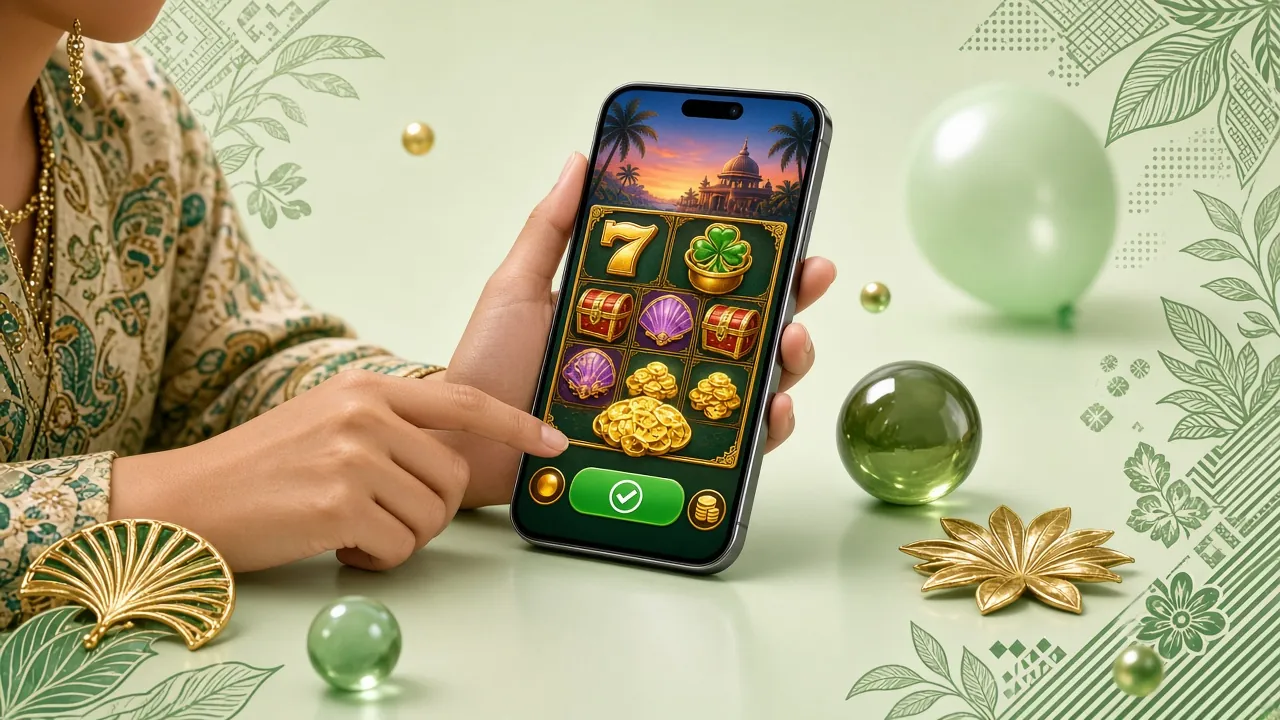
The app opens on the same lobby as the browser: slots first, live tables next, lottery and fishing behind a filter. These two cover a ten-minute wait without a queue of menus.

Version, size and Android requirements on one board
| App information | Current build |
|---|---|
| File name | gw999.apk |
| Version | 2.8.12 |
| File size | 45 MB |
| Android minimum | 9.0 |
| Last updated | 10 November 2026 |
| Cost | Free |
| Languages | English, Bahasa Melayu |
| Games inside | 4,400 |
| Support | 24/7 Live Chat |
gw999.apk · 45 MB · version 2.8.12
Allow installs from your browser first, then open the file from Downloads. The full walk-through sits a few screens below.
Compare the version number after installing. A mismatch nearly always means an older APK is still sitting in your Downloads folder.
A home-screen icon that skips the address bar
- Lobby in one tapNo address bar, no bookmark hunting, no re-typing a URL on a small keyboard.
- Same SSL connection as the siteThe APK talks to the same servers, so logins and payments travel the same encrypted route.
- One balance, two screensDeposit in the app, pick up the same wallet in a browser tab on the office desktop.
- Built for one-handed usePortrait layout, thumb-sized buttons, and a cashier that never drops below the fold.
Scan with your phone camera to open this page on the device you will install on.
Installing the APK on Android, from settings to first spin
Five steps, about four minutes on Wi-Fi. You only touch the settings screen once; after that, updates install over the top without changing anything else.
-
Allow your browser to install apps
Open Settings, then Apps, then Special access, then Install unknown apps. Pick the browser you plan to download with and switch Allow from this source on. On Xiaomi, Oppo and Huawei phones the same toggle sits under Security or App management.
-
Download gw999.apk from this page
Tap Download APK at the top of the page or in the download panel. The file is 45 MB, so give it a moment on mobile data, and keep the screen awake until your notification bar shows the download has finished.
-
Open the file and start the install
Tap the finished download, or open Files and look inside Downloads for gw999.apk. Choose Install. If Play Protect offers to scan the file first, let it run; the check usually takes a handful of seconds.
-
Finish and open the app
The installer closes itself once it is done. Open gw999 from the home screen and accept the optional notification prompt if you want bonus and withdrawal alerts. Skip anything that asks for contacts, messages or your camera.
-
Sign in, or register in the app
Use your existing username and password, or create an account from the app in a couple of minutes. Once you are inside, set a deposit limit if you want one and check that your balance matches what the browser shows.
On iPhone: add the site to your home screen
There is no iOS package, and an Android APK will not run on an iPhone. Safari users get a shortcut that behaves much like an app icon.
-
Open gw999.bet in Safari
Chrome and other iOS browsers cannot pin a shortcut to the home screen, so start in Safari for this part.
-
Tap the Share button
It sits in the toolbar, either at the bottom of the screen or beside the address bar on newer iPhones.
-
Choose Add to Home Screen
Scroll the share sheet, tap Add to Home Screen, name it gw999 and confirm with Add.
-
Sign in once and stay signed in
The shortcut opens full-screen with no address bar and keeps your session, so the cashier is always two taps away.
Permissions the app asks for and what it does with them
An install screen is the one place where it pays to read before tapping. Here is the full list, and the short reason behind each one.
- StorageLets the installer write the build to your phone and lets the app cache game artwork between sessions. It does not open your photo gallery or your files.
- Network and connection stateReads signal strength so a live hand can pause rather than fold you out when data drops. No call logs, no location.
- Notifications (optional)Used for withdrawal updates and bonus reminders. Declining changes nothing about play, and you can switch it off later in Android settings.
- Not requested at allContacts, SMS, camera and microphone stay untouched. If a build ever asks for them, stop the install and open 24/7 Live Chat before going further.
Download from gw999.bet only. A file named gw999.apk that arrives through a forwarded message or a mirror site is not the build we publish. Before installing, check two things: 45 MB and version 2.8.12. Both are printed in the download panel above.
When the install stalls: five snags worth checking
| Problem | Likely cause | What to do |
|---|---|---|
| Phone says “App not installed” | An older gw999 copy with a different signature is still on the phone | Uninstall the old version, restart the phone, then install gw999.apk again from your Downloads folder |
| Install button is greyed out | Unknown-source permission is off for the browser you downloaded with | Settings › Apps › Special access › Install unknown apps, pick that browser and allow, then reopen the file |
| Download dies a few megabytes in | Free storage is under what the 45 MB file needs, or mobile data dropped | Clear space, move to Wi-Fi, delete the partial file first and download again so the installer never reads a broken copy |
| Play Protect raises a warning | Android flags any app installed outside the Play Store by default | Tap More details, then Install anyway. The file came from gw999.bet, not from a third-party mirror |
| App opens but games stay blank | The build is out of date, or a network filter is blocking game servers | Check the version reads 2.8.12, update if not, then switch between Wi-Fi and mobile data and reload the lobby |
Still stuck after all five? The gw999 login guide covers password and session problems, and 24/7 Live Chat can look at your account directly.
Questions players ask before tapping install
Is the gw999 app APK safe to install?
The APK is published on gw999.bet and served over SSL, the same encrypted connection the browser version uses. Check the size (45 MB) and the version (2.8.12) before you tap Install. Android will warn you about any app installed outside the Play Store; that warning is about the source, not about the file itself.
Why is the app not on the Play Store?
We ship a direct APK from gw999.bet so a new build can go out without waiting on store review, and so players on older Android 9.0 phones are not shut out by store rules. The trade-off is simple: you install it yourself, and you update it yourself when a new build appears.
How do I update to a newer version?
Download the newest APK from this page and install it over the old one. Your login, balance and saved games stay put because they live on your account, not in the file. Afterwards, delete the previous download so you do not mix up versions. The current build is 2.8.12, updated 10 November 2026.
Do I need a separate account for the app?
No. One account covers the app and the browser, with the same password, wallet and bonus progress. Register once through the gw999 register page and use those details everywhere. If the app rejects your password, the recovery steps in the login guide apply to both versions.
Can I install the app on an iPhone?
No. An APK is an Android package and iOS cannot open one. Safari users get the next best thing: add gw999.bet to the home screen and it opens full-screen, with the same account, the same cashier and the same 24/7 Live Chat window as the desktop site.
Does the app eat more data than the browser?
Roughly the same on slots, and a little lighter on repeat visits because game art is cached on the phone instead of downloaded again. Live dealer tables are the heaviest either way. Wi-Fi at home plus mobile data for short sessions keeps a monthly quota comfortable.
What if the file downloads but never installs?
Nine times out of ten an old copy or a blocked permission is behind it. Uninstall any earlier gw999 build, re-check the unknown-apps toggle for the browser you used, confirm you have 45 MB free, then install again. If it still fails, 24/7 Live Chat can walk through your phone model step by step.
Two taps, and the lobby lives on your home screen
Download the APK, register once, and keep the browser version for the days you play on a laptop. Set a deposit limit before your first session rather than after it.
18+ · Play Responsibly. The app is free, but the money in your wallet is not.